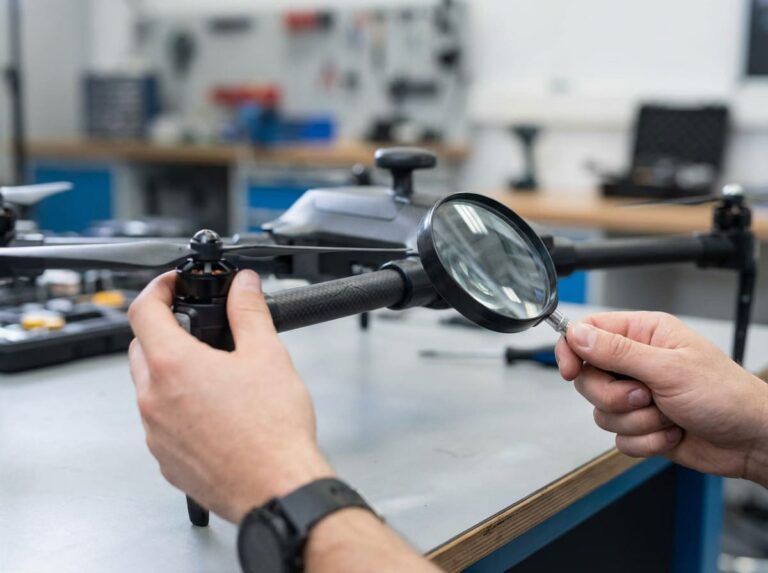
High-capacity batteries can get dangerously hot, creating a real safety hazard. This isn't just a small problem; it can lead to total failure, putting your device and users at risk.
The best way to prevent overheating in high-capacity battery packs is to use a multi-layered strategy. This includes active thermal management like liquid cooling, passive protection with phase-change materials, and a smart Battery Management System (BMS)1 that constantly monitors temperature and can cut off power if needed.
Understanding the basics of heat management is one thing, but seeing how it all works together is another. As a battery manufacturer, I've spent years figuring out the best ways to keep batteries cool and safe. The real solution isn't a single component, but a complete system where every part plays a role. It starts with the technology you choose for cooling and extends all the way to how the battery pack is physically built. Let's dive deeper into the specific strategies that make a difference and keep things from getting too hot.
Which active and passive cooling technologies are most effective for managing heat in high-capacity battery packs?
Choosing the right cooling method for your battery isn't always simple. A poor choice can lead to bad performance, a bulky design, or high costs, which compromises your product's safety.
For high-density battery packs, liquid cooling is extremely effective, often using a glycol-based coolant. For less demanding applications, air cooling with fans and heat sinks provides a simpler, cost-effective solution. Passive methods, like phase change materials, absorb and spread heat without needing any power.
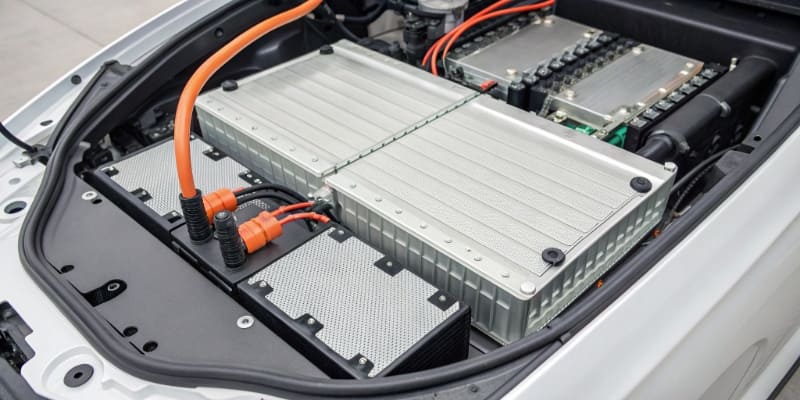
When we design a battery system at Litop, the cooling strategy is one of our first considerations. The choice between active and passive cooling depends entirely on the application's demands.
Active Cooling Technologies
Active cooling systems use energy to move heat away from the battery cells. They are essential for high-power applications where a lot of heat is generated quickly.
- Liquid Cooling: This is the gold standard for high-performance systems like electric vehicles or large energy storage units. A cooling plate is placed against the battery cells, and a fluid, usually a water-glycol mixture, is pumped through it. The fluid absorbs the heat and carries it to a radiator, where it's released into the air. This method is incredibly efficient and keeps cell temperatures very uniform, often within a 5°C difference across the pack. The downside is its complexity and cost.
- Air Cooling: This is a more straightforward approach. Fans are used to force air across the surface of the battery cells or over heat sinks attached to them. It's less effective than liquid cooling but is much simpler and cheaper to implement. We often use this for consumer electronics and some industrial devices where power demands are moderate.
Passive Cooling Technologies
Passive cooling doesn't use any power. Instead, it relies on materials and design to manage heat.
- Heat Sinks: These are pieces of metal, usually aluminum, with fins that increase the surface area exposed to the air. They absorb heat from the battery cells and dissipate it into the surrounding environment through natural convection.
- Phase Change Materials (PCMs): This is a really clever technology. We use composite materials, like a paraffin wax and expanded graphite mixture, that are placed around the cells. When the battery heats up to a specific temperature, the material melts, absorbing a large amount of heat without its temperature rising. This process, known as latent heat absorption, significantly delays the battery's temperature climb. These materials can remain stable even at 200°C, providing a crucial buffer.
Here's a simple breakdown of how these technologies compare:
| Cooling Method | Efficiency | Cost | Complexity | Best For |
|---|---|---|---|---|
| Liquid Cooling | Very High | High | High | High-power, high-density applications |
| Air Cooling | Moderate | Low | Low | Moderate power consumer/industrial devices |
| Heat Sinks | Low-Moderate | Low | Very Low | Low-power devices with good airflow |
| PCMs | Moderate | Moderate | Low | Bursty power use, added safety layer |
Ultimately, the best solution often involves a combination of these. For example, a pack might use PCMs for burst absorption and air cooling for steady-state heat removal.
How do temperature sensors and protection circuits in a BMS work together to detect and prevent thermal runaway?
A battery overheating can feel like a silent threat. Without a smart system watching over it, a small temperature spike could turn into a dangerous thermal runaway event before you even notice.
A Battery Management System (BMS) acts as the brain, using temperature sensors to constantly monitor heat. If temperatures exceed safe limits, its protection circuits immediately cut off the charging or discharging current. This action stops further heat generation and prevents a thermal event from escalating.
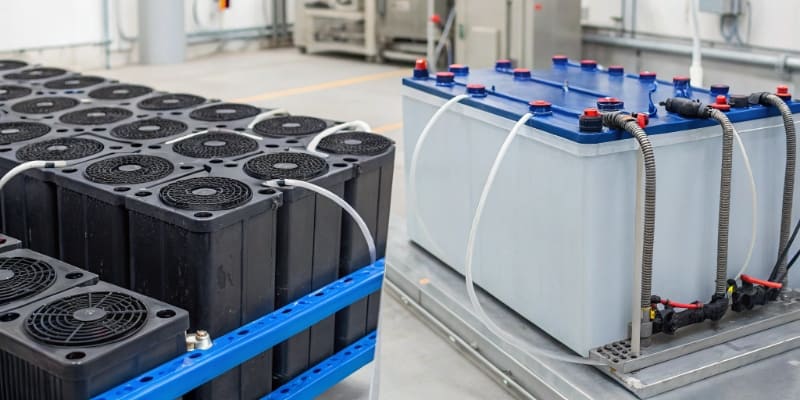
I always tell my clients that the BMS is the most critical safety component in any battery pack. It's the vigilant guard that never sleeps. It's not just about monitoring; it's about taking immediate, decisive action. The entire process is a seamless collaboration between sensors that detect and circuits that protect.
The Role of Temperature Sensors
The first line of defense is accurate information. The BMS gets this from temperature sensors, typically Negative Temperature Coefficient (NTC) thermistors. These are small, inexpensive sensors whose resistance changes predictably with temperature. We strategically place these sensors throughout the battery pack. Some are placed directly on the surface of individual cells, especially in areas we identify as potential hot spots. Others might monitor the ambient temperature inside the pack enclosure. The goal is to get a complete thermal map of the battery. The BMS uses this data to ensure the temperature difference between any two cells doesn't exceed a tight margin, often around 5°C. This prevents one cell from getting dangerously hotter than its neighbors. The BMS can also control PTC (Positive Temperature Coefficient) heaters to gently warm the battery in cold conditions, ensuring it operates in its optimal temperature range.
Protection Circuits in Action
When a sensor reports a temperature that crosses a pre-programmed safety threshold, the BMS springs into action. Here's how it works:
- Detection: The thermistor sends its resistance value to the BMS's microcontroller.
- Decision: The microcontroller converts this resistance into a temperature reading and compares it against the safe operating limits stored in its memory. These limits are different for charging and discharging.
- Action: If the temperature is too high, the microcontroller sends a signal to a protection circuit. This circuit usually consists of MOSFETs, which are like tiny electronic switches. The signal causes the MOSFETs to open the circuit, instantly stopping the flow of current. This cuts off the source of the heat, whether it's from aggressive discharging or fast charging.
This system is the primary defense against thermal runaway. By stopping the current, the BMS prevents the chemical reactions inside the cell from accelerating out of control. This simple but highly effective mechanism is what stands between a hot battery and a catastrophic failure.
What engineering practices in battery pack enclosure and layout help improve airflow and heat dissipation efficiency?
A powerful battery pack is useless if its own housing traps all the heat. A bad design can choke off airflow, creating hot spots that degrade cells and increase fire risk, undoing all other safety efforts.
Smart engineering involves creating space between cells for airflow and using thermally conductive materials for the enclosure. Strategically placing vents and designing the internal layout to guide air over the hottest components are key practices that ensure heat is efficiently moved away from the cells.
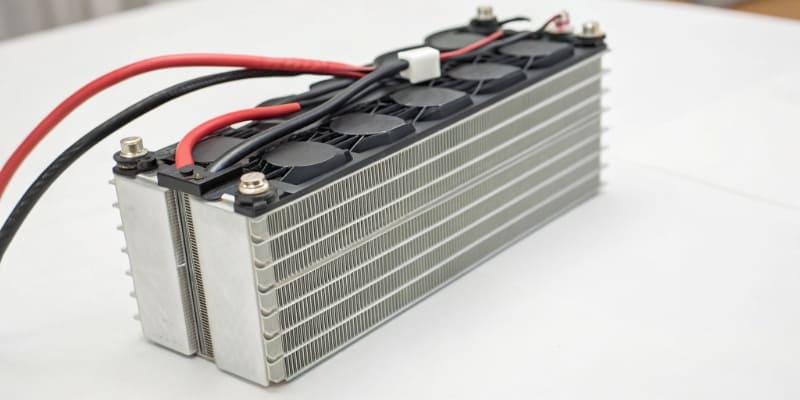
When my team at Litop designs a custom battery, we think about thermal management from a structural perspective right from the start. The physical design of the pack is just as important as the electronics inside it. The enclosure isn't just a box; it's an active part of the cooling system.
Layout and Spacing
The way cells are arranged inside the pack is fundamental to good thermal performance.
- Cell Spacing: We never jam cells tightly together, especially in high-power packs. Leaving a small, calculated air gap between each cell allows air to circulate, carrying heat away through convection. This prevents "hot spots" from forming in the center of the pack, where heat would otherwise be trapped.
- Optimized Layout: The layout is designed to work with the cooling system. For example, in an air-cooled pack, we arrange the cells in rows so that cool air from an intake vent can flow smoothly over each one before exiting through an exhaust vent. We model this airflow to ensure there are no dead zones where hot air can stagnate.
Enclosure Design and Materials
The enclosure itself plays a vital role in both protecting the cells and helping them stay cool.
- Material Choice: Whenever possible, we use materials with high thermal conductivity, like aluminum alloys, for the battery case. The case then acts as a giant heat sink, drawing heat from the cells and dissipating it over its large surface area.
- Structural Safety Features: Good design also prepares for the worst-case scenario. We incorporate features that can contain a failure and minimize damage.
- Explosion-Proof Vents: If a cell were to enter thermal runaway, it would release a large amount of hot gas and pressure. We engineer directional pressure relief vents into the pack. These vents are designed to rupture at a specific pressure and direct the hot gas in a safe direction, for example, away from the user and towards the ground.
- Thermal Barriers: To prevent a single failing cell from starting a chain reaction (cell-to-cell propagation), we place thermal barriers between cell modules. Materials like mica paper, which can withstand temperatures of 500-800°C, or flame-retardant potting compounds are used to insulate cells from each other. This can delay the spread of thermal runaway by over 550 seconds, providing critical time for the user to get to safety.
These structural choices turn the battery pack from a simple container into an integrated thermal management and safety system.
What operational guidelines should users follow to minimize overheating risks when using or charging in high-temperature environments?
Even the most well-designed battery can be pushed past its limits. Using or charging your device in extreme heat adds extra stress, raising the risk of overheating, a shorter lifespan, and even permanent damage.
To minimize overheating, avoid charging or using devices in direct sunlight or hot cars. Always use the specified charger from the manufacturer. Let the battery cool down before charging if it's hot after use, and never cover the device while it's charging.

As much as we engineer safety into our batteries, how they are used in the real world matters immensely. I often advise my clients to include clear guidelines for their end-users. A little bit of knowledge and caution goes a long way in ensuring both battery longevity and safety, especially when it's hot outside.
Best Practices for Charging
Charging is when a battery is most vulnerable to heat. The chemical process of storing energy naturally generates some heat, and adding external heat to the equation can be a problem.
- Use the Right Charger: Always use the charger that came with the device or a certified equivalent. Cheap, uncertified chargers may not have the proper circuitry to stop charging when the battery is full, leading to overcharging and dangerous overheating.
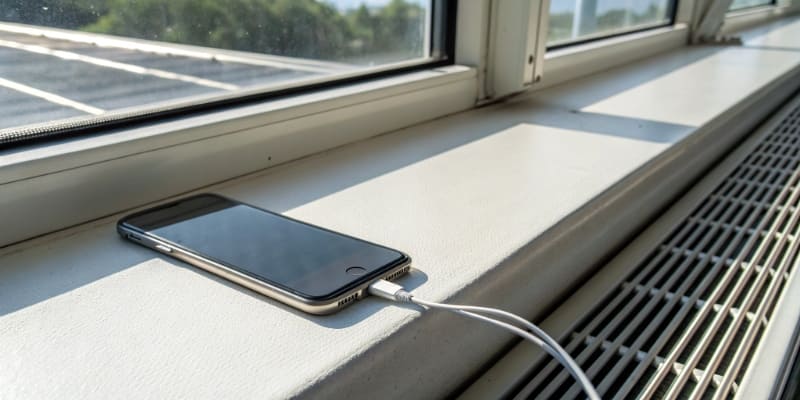
- Charge in a Cool Place: The ideal charging environment is a cool, well-ventilated room, around 20-25°C (68-77°F). Avoid charging your device on a sunny windowsill, in a hot car, or on your bed under the covers.
- Let It Cool Down First: If your device feels warm after a period of heavy use, wait for it to cool down to room temperature before you plug it in to charge. Charging an already-hot battery will push its temperature even higher.
Guidelines for Use
How and where you use your device can also have a big impact on its battery's temperature.
- Avoid Extreme Heat: This is the most important rule. Never leave a battery-powered device in a locked car on a sunny day. Temperatures inside can quickly soar to levels that cause permanent damage to the battery cells. Likewise, avoid prolonged use in direct, intense sunlight.
- Ensure Good Ventilation: Make sure the device's ventilation ports, if it has any, are not blocked. Don't use a laptop on a soft blanket that can smother its air vents. If you're running a power-intensive app, give the device space to breathe.
- Watch for Warning Signs: Modern devices are good at managing their own heat, but you should still be aware. If your phone or laptop feels unusually hot to the touch, stop what you're doing, close demanding applications, and let it cool down. If a battery ever looks swollen or has been physically damaged, stop using it immediately—it is a serious safety risk. By following these simple rules, users can significantly reduce the strain on their batteries and help prevent any heat-related issues.
Conclusion
Preventing battery overheating requires a complete system. It combines smart cooling technologies, a vigilant BMS for monitoring and protection, thoughtful structural design for heat dissipation, and responsible user habits. Together, these layers ensure the battery operates safely and reliably for its entire lifespan.
Understand the critical role of BMS in monitoring and controlling battery temperature to prevent dangerous failures. ↩