Your drone fleet is a major investment. A single missed check could lead to a failed mission or a costly crash. Let’s build a simple checklist to keep them flying safely.
Your UAS maintenance checklist should include daily checks of propellers and batteries, weekly inspections of the airframe and motors, and annual professional calibrations and component replacements. Following this schedule is key for safety and FAA compliance.
A checklist is a great start, but true airworthiness goes deeper. It's about documentation, understanding component lifecycles, and knowing what to look for after a hard landing. I remember a client, Michael from the U.S., who was meticulous about this. He knew that the details are what separate professionals from amateurs. So, let’s get into the details, starting with the one thing every professional pilot needs: a proper logbook.
How do you build a 'Maintenance Log' that meets FAA audit requirements?
An FAA audit can be intimidating if your paperwork isn't in order. Missing records create unnecessary stress and risk. Here’s how to build a simple log that satisfies any inspector.
To meet FAA requirements, your maintenance log must document the date, aircraft registration number, a description of the work performed, and the name of the person who did it. Keep it consistent, detailed, and accessible for every drone in your fleet. This is non-negotiable for commercial operations.
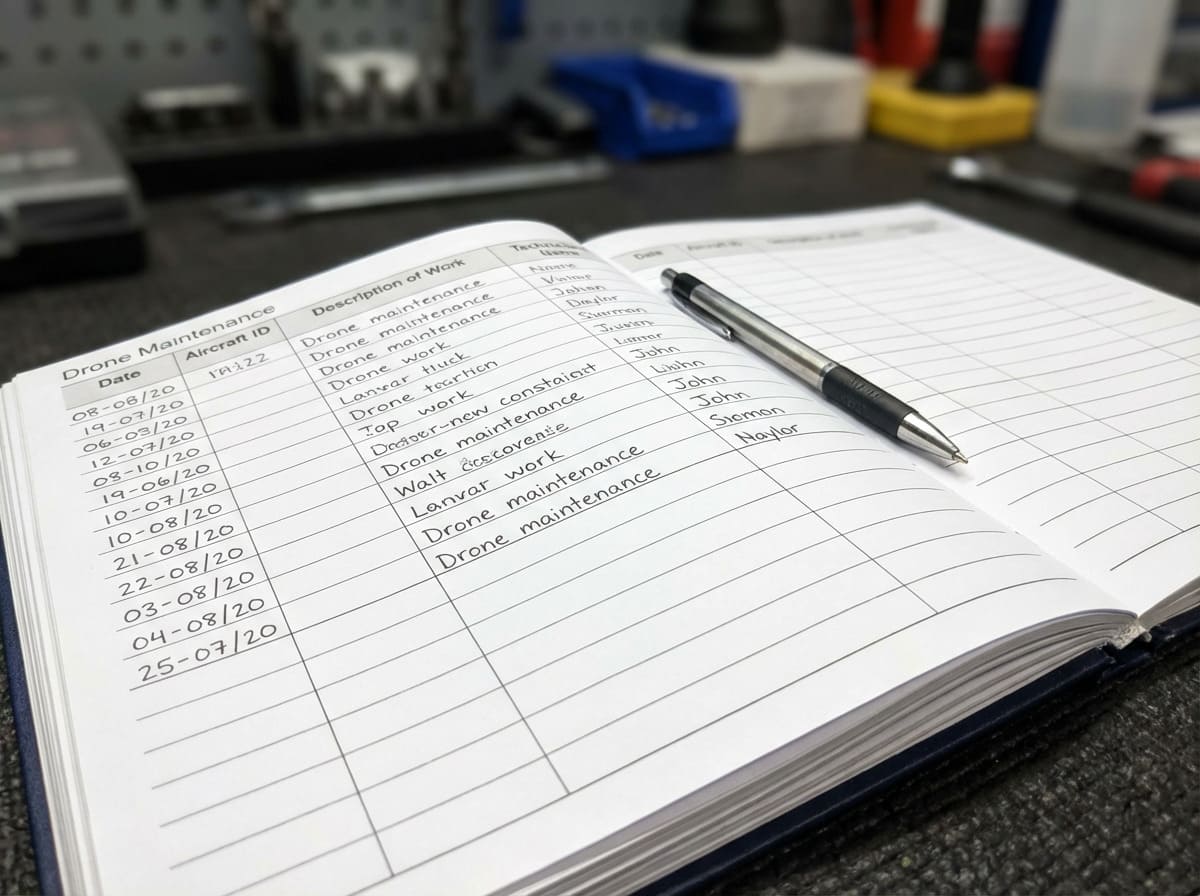
Building a compliant maintenance log is less about a specific format and more about a consistent process. While FAA Part 107 doesn't mandate a strict format like manned aviation, auditors expect to see a professional and thorough record of your aircraft's history. It shows you take safety and compliance seriously. I always advise my clients to treat their drone logs with the same respect as a pilot's flight log. You can use a digital spreadsheet, a dedicated app, or even a physical notebook. The tool matters less than the information you record. Your logbook is the legal story of your drone. In case of an incident, this log will be your best evidence that you acted responsibly. A good log demonstrates a culture of safety, which is exactly what an auditor wants to see.
Here is a simple structure that will satisfy any inspection:
| Logbook Field | Description & Purpose | Why it's Important for FAA Audits |
|---|---|---|
| Date of Entry | The exact date the maintenance was performed. | Establishes a clear timeline of the aircraft's history. |
| Aircraft Identifier | Make, model, and FAA registration number (N-number). | Uniquely identifies the specific drone being serviced. |
| Total Time in Service | The total flight hours or cycles on the airframe. | Tracks usage intensity and helps predict component wear. |
| Description of Work | A detailed note of what was done (e.g., "Replaced propeller #3," "Calibrated IMU"). | Provides evidence of proactive and reactive maintenance. |
| Person Performing Work | Name and signature of the technician or pilot. | Establishes accountability for the maintenance performed. |
When should you retire a drone smart battery with 'voltage difference' or 'high cycle count'?
A failing battery is a silent threat that can cause a catastrophic crash. Pushing an old battery for "just one more flight" is a huge gamble. Let's define clear retirement rules.
Retire a smart battery when it shows a persistent cell voltage difference over 0.1V, reaches the cycle count limit set by the manufacturer (often 200-300 cycles), or displays physical damage like swelling. Don't risk your aircraft; proactive retirement is smart and safe.
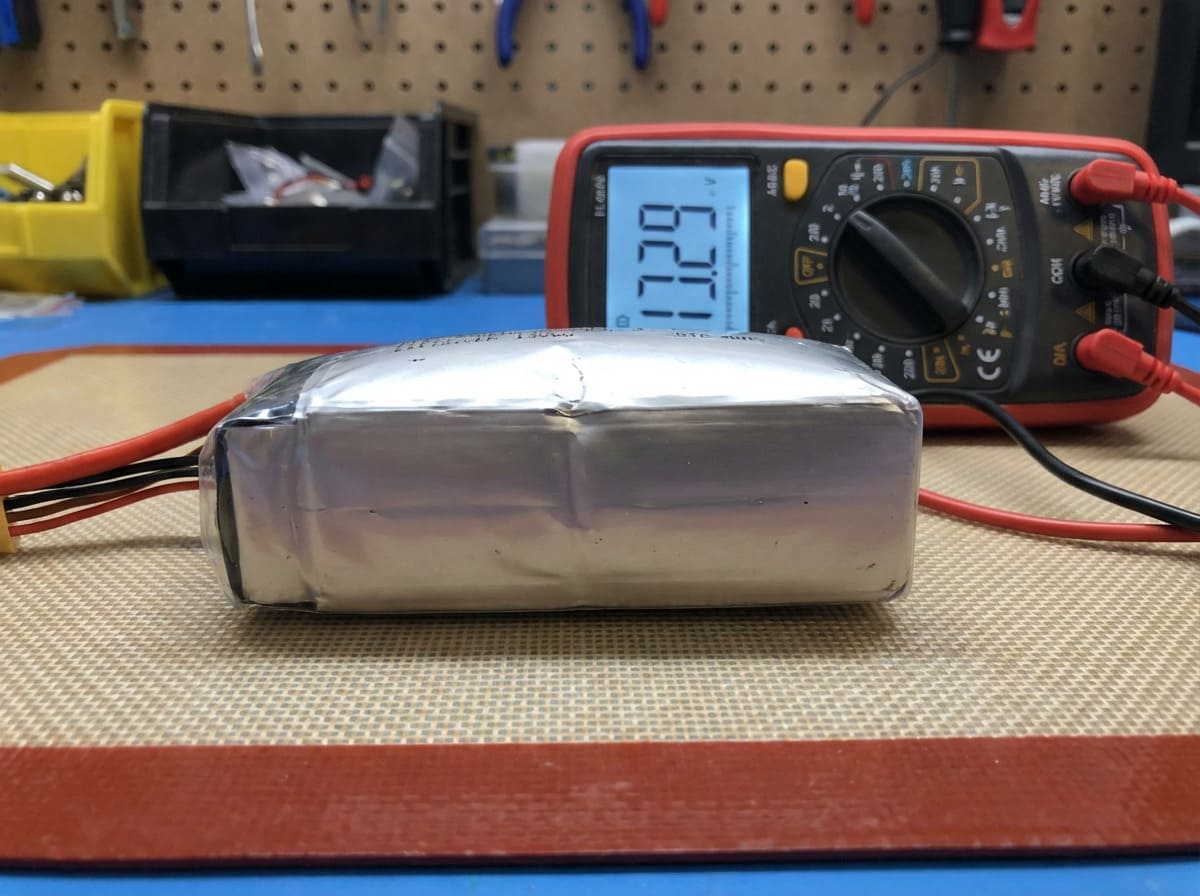
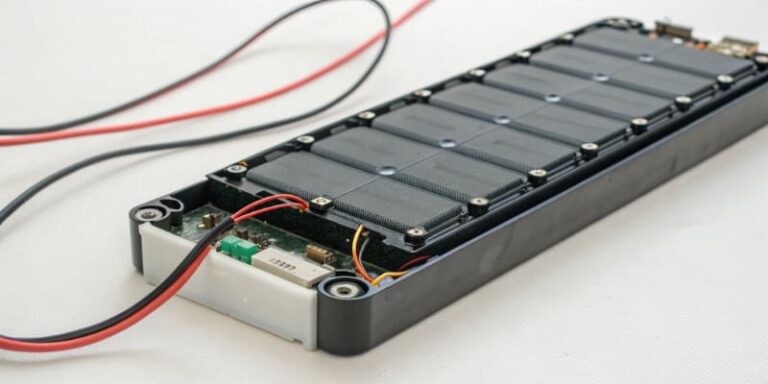
As a battery manufacturer, this is a topic I discuss with customers every single day. A smart battery is not just one component; it is a pack of individual lithium-polymer cells working together. For the battery to be healthy, all cells must hold a very similar voltage. A "voltage difference," or cell imbalance, means one cell is weaker than the others. When your flight software shows a difference of more than 0.1 volts between the highest and lowest cell, that weak cell is a point of failure. It will drain faster than the rest, and the battery’s overall voltage can drop suddenly, causing your drone to lose power unexpectedly.
Cycle count is another critical factor. A "cycle" is one complete charge and discharge. Every battery has a finite lifespan, just like the tires on a car. For most industrial drone batteries, this is typically between 200 and 500 cycles. At Litop, we rigorously test our batteries to establish these specifications for our clients. Continuing to use a battery beyond its rated cycle count increases its internal resistance. This means it can't deliver power as effectively, especially during high-demand maneuvers or in cold weather. It also means the reported flight time becomes unreliable.
Here are the hard-and-fast rules for battery retirement:
| Retirement Trigger | What it Means | Recommended Action |
|---|---|---|
| Cell Voltage Difference > 0.1V | One or more cells are failing, creating a dangerous imbalance. | Monitor closely. If it persists after a balance charge, retire immediately. |
| Reached Cycle Limit | The battery has reached its manufacturer-rated chemical lifespan. | Retire proactively. Don't wait for it to fail. |
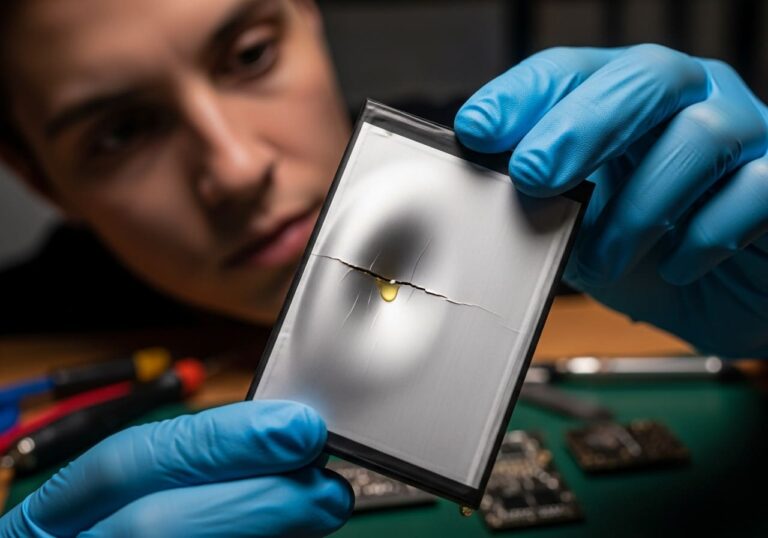
| Physical Swelling/Damage | Internal chemical breakdown or structural compromise. This is a fire risk. | STOP USING IMMEDIATELY. Safely discharge and dispose of it. |
| >20% Capacity Loss | The battery can no longer hold a sufficient charge for a safe flight. | Retire from flight duty. You can still use it for ground power. |
For industrial drones like the Matrice M350/M30, what parts are recommended for 'periodic preventive replacement'?
Your industrial drone is a workhorse, but its parts wear down over time. Waiting for a component to fail mid-mission is not an option. Let's review which parts need proactive replacement.
For industrial drones like the M350, you should periodically replace propellers, rubber vibration dampers for the gimbal, and landing gear dampers. These consumable parts degrade with use and environmental exposure, and replacing them prevents vibration issues and ensures structural integrity.
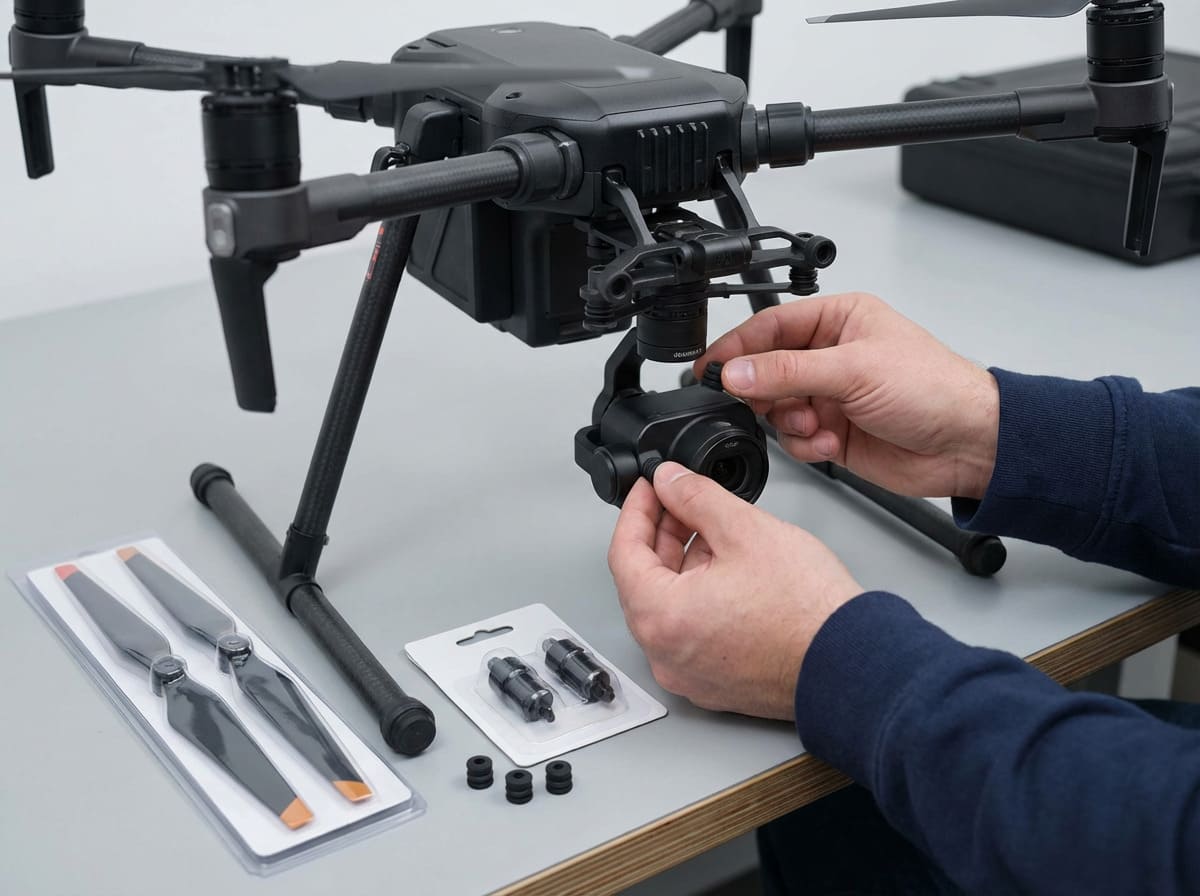
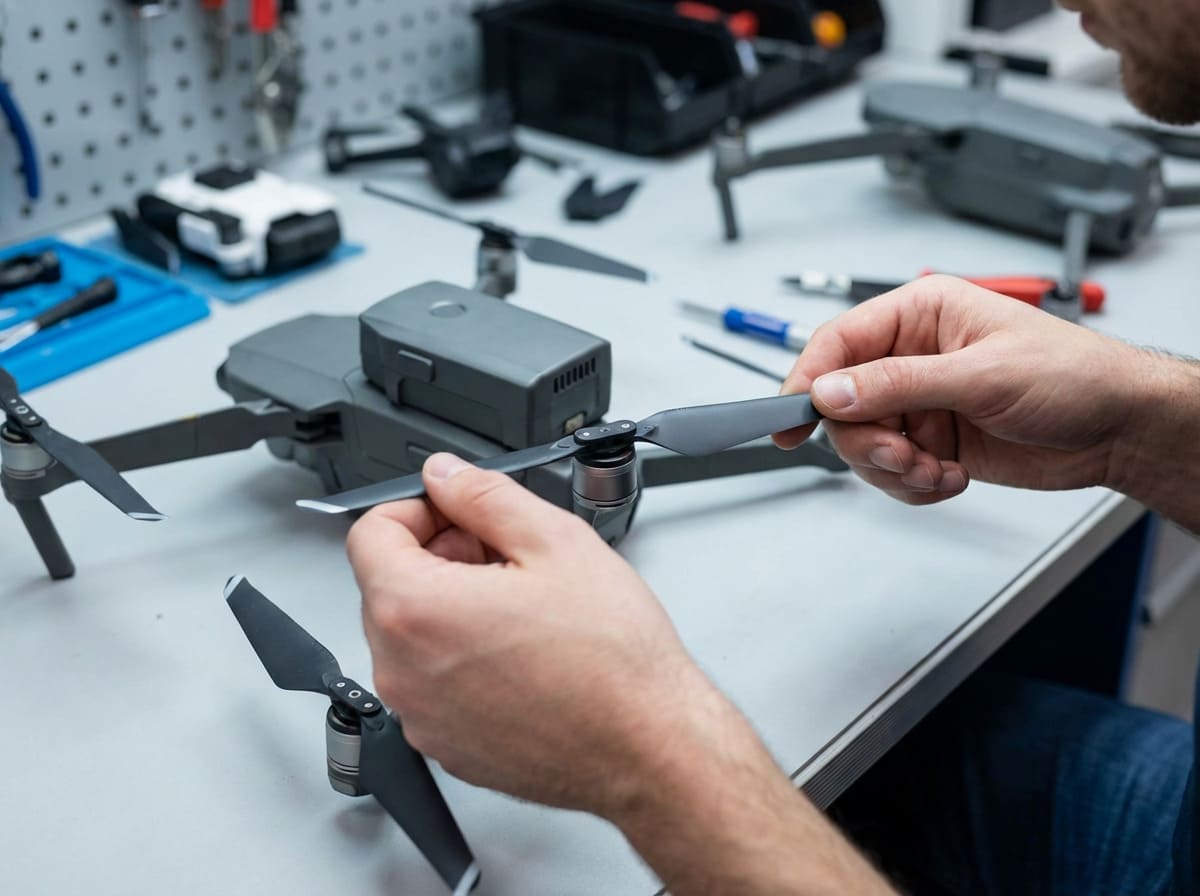
Preventive replacement is the core of any serious maintenance program. For hardworking industrial drones, certain parts are considered consumables. They are designed to wear out so that more expensive components do not. First and foremost are the propellers. They shouldn't only be replaced after a crash. Over time, they endure thousands of high-speed rotations, which creates micro-stresses. Exposure to sunlight also degrades the plastic, making it brittle. I recommend following the manufacturer's schedule, such as every 200 flight hours or annually. Even a tiny nick on a propeller's edge can cause high-frequency vibrations that harm motor bearings and ruin your video footage.
Next are the gimbal vibration dampers. These are small, inexpensive rubber pieces that isolate your camera from airframe vibrations. Rubber naturally hardens and becomes brittle with age and exposure to temperature swings. When these dampers degrade, you will see "jello" or jitter in your video. Worse, the vibrations get transferred to the delicate gimbal motors and sensors, causing premature wear. Replacing them is a cheap and easy job that protects a very expensive camera system.
Finally, look at the landing gear components. The dampers, feet, and locking mechanisms take a beating on every landing. They absorb the impact to protect the airframe and payload. After many cycles, they lose their ability to dampen effectively. A hard landing, even one that doesn't cause visible damage, can compress them permanently. Replacing these parts ensures your drone and its payload are protected every time it touches down.
After a minor crash, what 'invisible' damage must be detected by software or tools?
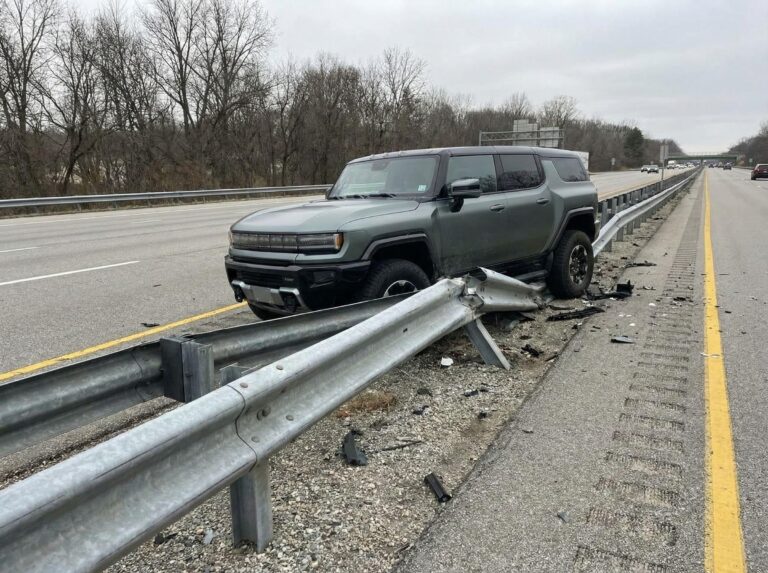
Your drone survived a minor crash and looks okay, so you fly again. This is a dangerous assumption. Hidden damage can cause a total failure on the very next flight.
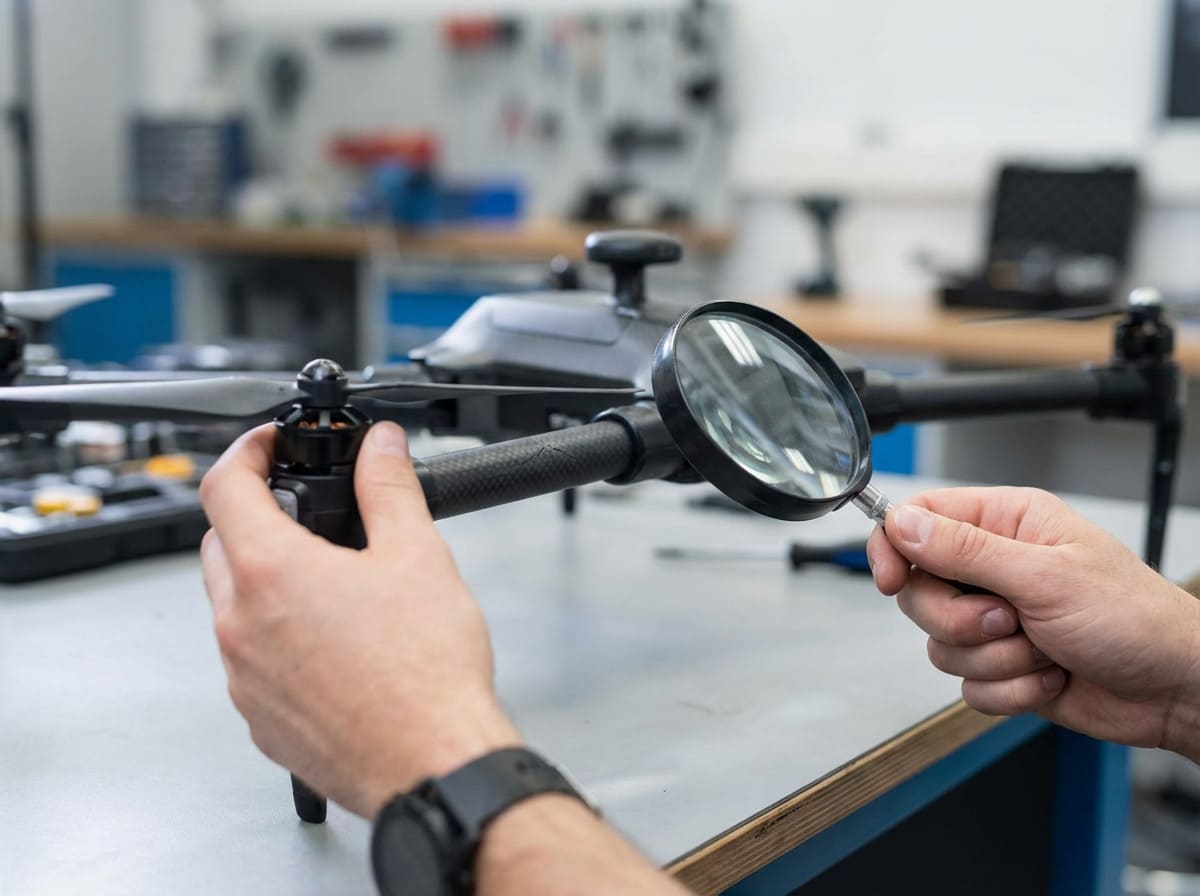
After a minor crash, use flight controller software to check IMU and compass data for errors. Inspect motor bearings by spinning them manually to feel for grinding, and check for hairline cracks in the arms and motor mounts, especially near screw holes.
After any impact, no matter how small, a thorough inspection for non-visible damage is mandatory. Your eyes are not enough. The first step is to check the drone's brain: the sensors. Connect the aircraft to your computer and run the manufacturer's software, like DJI Assistant. Look at the raw sensor data for the IMU (Inertial Measurement Unit) and compass. A hard knock can disturb these sensitive components. If the data graphs are "noisy" or show erratic spikes while the drone is sitting perfectly still, the sensor is damaged or needs recalibration. Flying with a faulty IMU is extremely dangerous and can cause the drone to lose stability and flip over in mid-air.
Next, focus on the structure. Carbon fiber and plastic arms can develop hairline cracks that are nearly impossible to see. These cracks often form near high-stress points like motor mounts and where the arms connect to the body. You should gently but firmly flex each arm and listen for any creaking sounds. Then, use a bright light and even a magnifying glass to closely inspect these areas. A hidden crack can propagate under flight loads, leading to a catastrophic structural failure.
Finally, check the motors and propellers. Remove the props and manually spin each motor by hand. It should feel perfectly smooth, with consistent resistance from the magnets. If you feel any grittiness, grinding, or see any wobble in the motor bell, the internal bearings are likely damaged. A damaged bearing will eventually seize, causing the motor to fail and the drone to fall. Even if the drone looks perfectly fine on the outside, these internal checks are what ensure it is actually safe to fly again.
Conclusion
A systematic maintenance routine is not just about ticking boxes. It is the foundation of safe, reliable, and professional drone operations. From daily checks to deep diagnostics after a crash, this discipline protects your investment, your clients, and your reputation. Stay diligent and fly safe.