Your device got wet, and now you're worried. A water-damaged battery is a hidden danger that can fail unexpectedly, posing a serious risk to you and your equipment.
The key warning signs of a water-damaged lithium battery are physical changes like swelling, leaking, or corrosion, and performance issues like a sudden drop in capacity, failure to charge, or overheating. If you notice any of these, stop using the battery immediately.
I’ve spent years in the battery industry, and I’ve seen firsthand what a little water can do to a powerful lithium battery. It's not always an immediate, dramatic failure. Sometimes, the damage is slow and silent, which makes it even more dangerous. I want to walk you through what really happens when a battery gets wet and how you can spot the trouble before it becomes a disaster. Let's look closer at the signs and what they mean for your safety and the life of your devices.
What happens if a lithium-ion battery gets wet?
A splash of water seems harmless. But inside a battery, that moisture can trigger a chain reaction of damage, leading to complete failure and even a potential fire hazard.
When a lithium-ion battery gets wet, water can cause an internal short circuit, leading to rapid energy discharge and heat. It also starts a corrosion process that damages internal components and the protective circuitry, resulting in permanent failure and creating a significant safety risk.
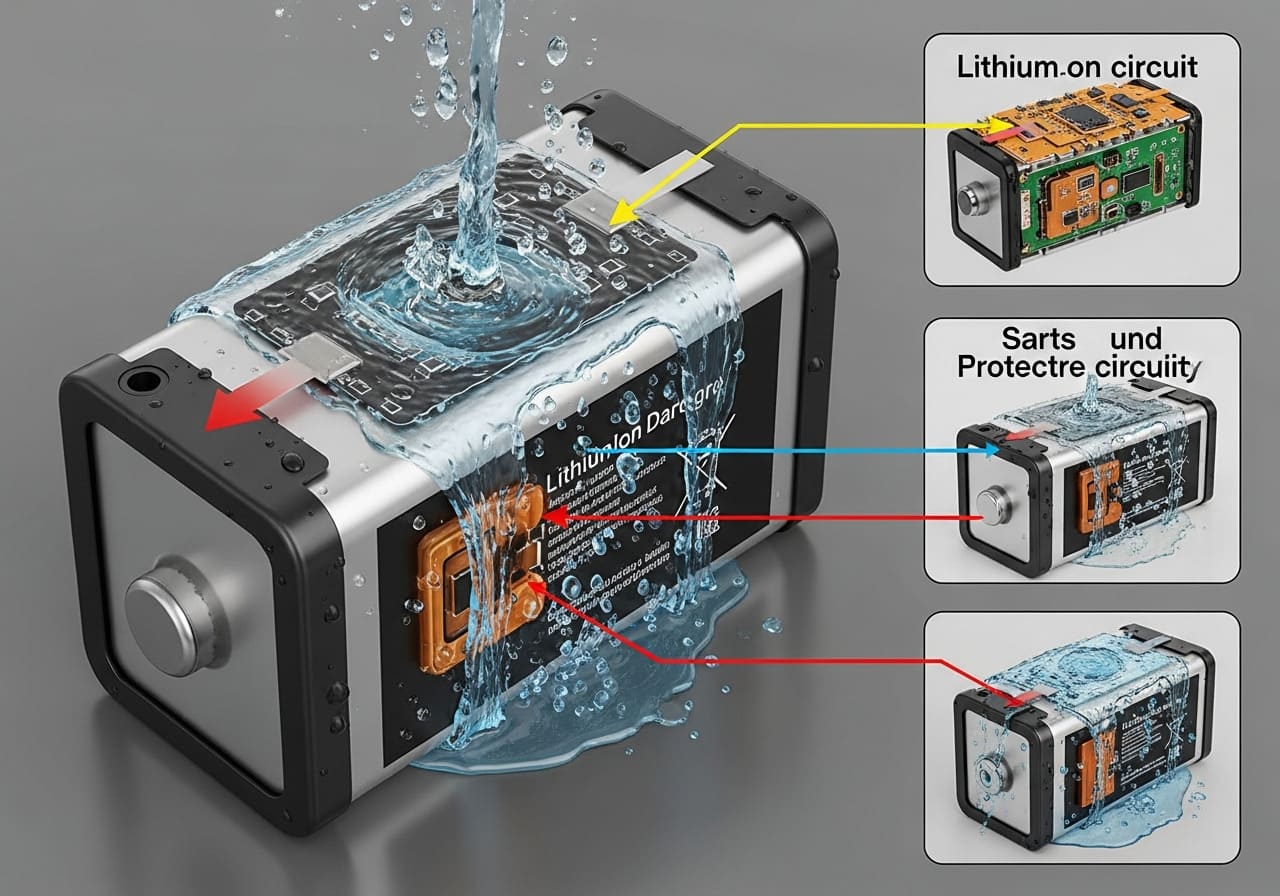
Let’s dive deeper into the chemistry and physics of what's happening inside that battery casing. It’s not just about things getting a little damp; it’s about introducing a foreign element that disrupts the battery's stable environment. The consequences can be broken down into two main problems: immediate short circuits and long-term corrosion.
The Immediate Danger: Short Circuits
A lithium-ion battery works by having a controlled flow of ions between a positive and negative electrode. A separator keeps these two sides from touching directly. Water, especially if it has impurities like salt or minerals, is conductive. When it seeps inside, it can create a bridge across this separator. This causes a short circuit. A short circuit is an uncontrolled path for electricity to flow. This rapid discharge generates a lot of heat very quickly. In the best-case scenario, the battery's built-in Battery Management System (BMS) will detect this and shut everything down. But if the BMS itself is damaged by water, this heating process can continue, which is very dangerous.
The Slow Killer: Corrosion
Even if a short circuit doesn't happen immediately, the water begins to corrode the battery's internal metal components. This includes the delicate terminals, connectors, and the circuit board of the BMS. Corrosion is like rust; it eats away at the materials, weakening them and increasing electrical resistance. This leads to a few problems:
- Capacity Loss: A corroded battery can’t hold a charge as well as it used to.
- BMS Failure: The protective circuits stop working, leaving the battery vulnerable to overcharging or overheating.
- Unpredictable Behavior: The device might suddenly turn off or refuse to charge.
Here's a simple breakdown of how different types of water affect the battery:
| Water Type | Conductivity | Corrosiveness | Risk Level |
|---|---|---|---|
| Distilled | Low | Low | Low |
| Tap Water | Medium | Medium | Medium |
| Saltwater | High | High | Very High |
At Litop, we often deal with clients like Michael, who develops high-end medical devices. For him, battery failure isn't an option. That's why we build waterproof battery packs with sealed enclosures and protective coatings on the BMS, ensuring reliability even in challenging environments.
How to tell if a lithium battery is damaged?
Your battery looks okay on the outside. But using a damaged battery is like a ticking time bomb, and you don’t want to be around when it goes off.
Look for physical signs like swelling (bulging), leaking fluid, cracks, or discoloration on the casing. Also, watch for performance issues like the battery getting unusually hot during charging or use, not holding a charge, or your device shutting down unexpectedly.
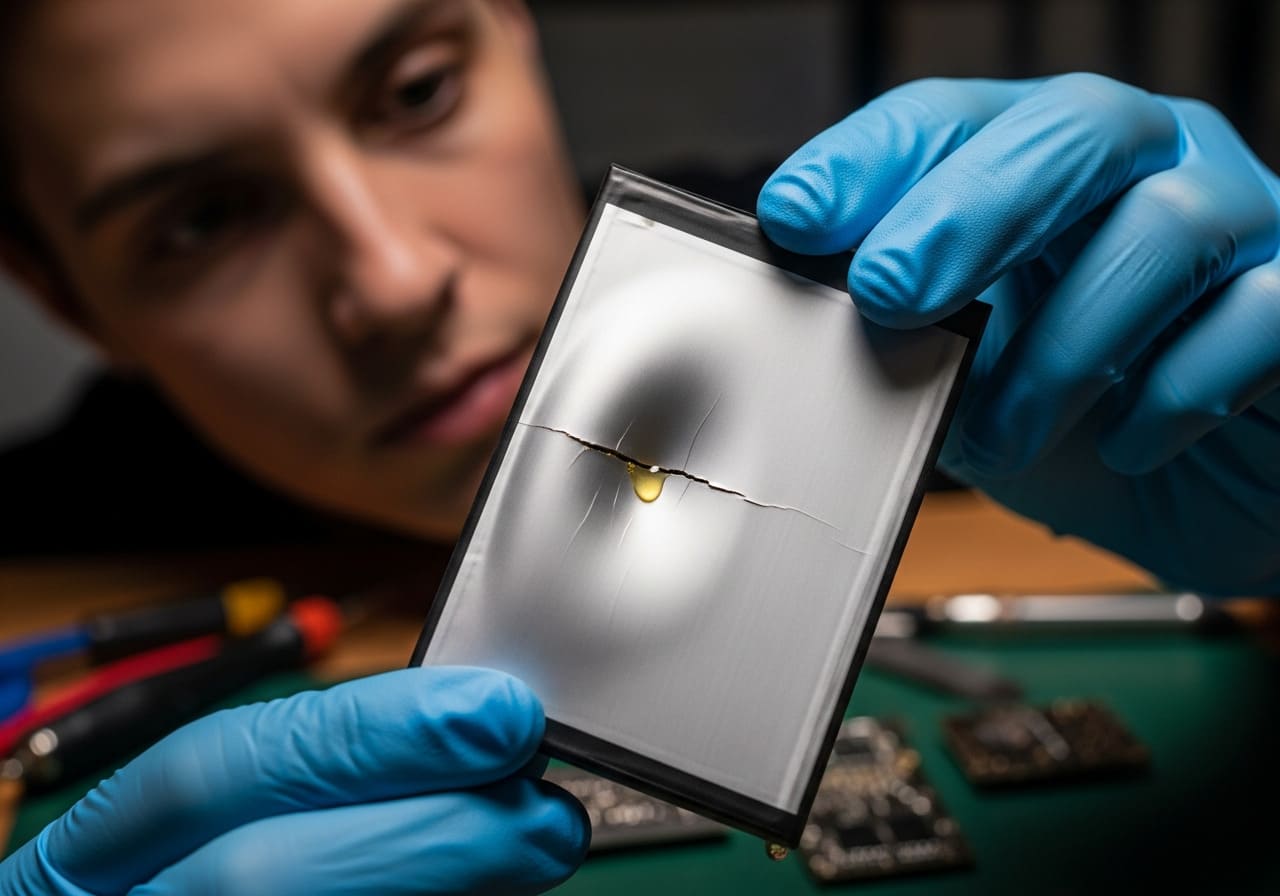
Over my eight years at Litop, I've learned that a battery tells you a story through both its appearance and its performance. You just need to know how to read the signs. Let’s break down what to look for, starting with the most obvious clues and moving to the more subtle ones.
Visual Inspection: The Obvious Clues
Your eyes are your first and best tool. Pick up the battery and examine it carefully in a well-lit area.
- Swelling or Bulging: This is the most critical warning sign. If the battery looks puffy or rounded, it means gases have built up inside due to a chemical reaction. This battery is unstable and at high risk of failing. Stop using it immediately.
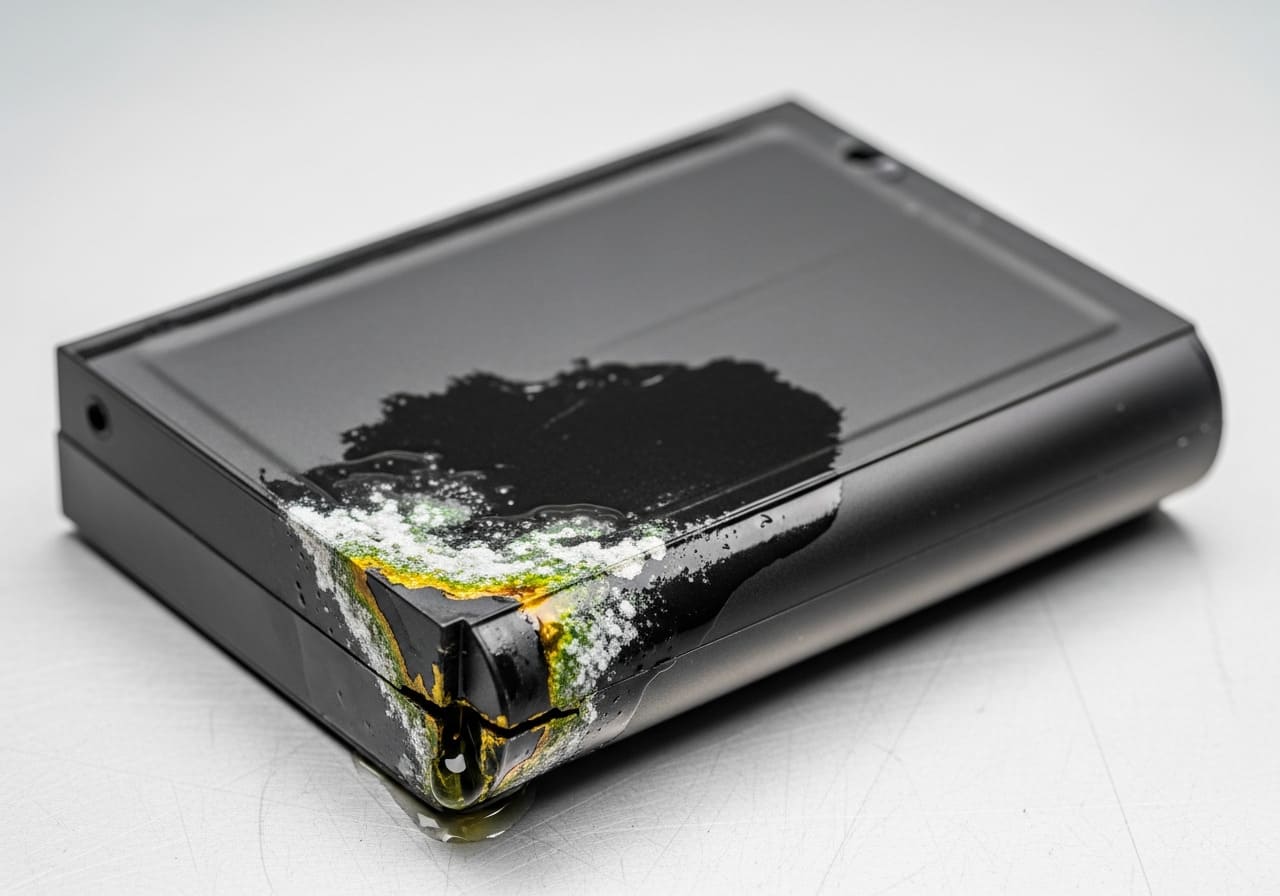
- Leaks or Stains: Any liquid coming from the battery is a bad sign. It’s a corrosive electrolyte, and you should avoid touching it with bare skin. You might also see crusty or discolored stains around the seals or terminals.
- Cracks or Punctures: Any physical damage to the outer casing can compromise the internal safety layers. Even a small dent can be a problem if it has pinched the internal components.
- Corrosion: Look for a white or greenish powdery substance on the metal contacts. This prevents a good connection and indicates moisture has been present.
Performance-Based Signs: The Hidden Dangers
Sometimes, a battery looks perfectly fine but acts strangely. This is often where you’ll spot water damage or other internal faults.
- Excessive Heat: It’s normal for a battery to get slightly warm during charging or heavy use. But if it becomes too hot to touch comfortably, unplug it immediately. This is a sign of a serious internal short.
- Significant Capacity Drop: Does your device die much faster than it used to? A sudden drop in how long a charge lasts points to degraded internal cells.
- Charging Problems: The battery might refuse to charge at all, or it might charge to 100% in just a few minutes, which isn’t normal. This often means the BMS is damaged or the cells are no longer capable of storing energy.
- Sudden Shutdowns: If your device turns off abruptly, especially when the battery indicator shows plenty of charge left, it could be the BMS cutting power to prevent a dangerous event.
Here's a table to help you connect the signs to the potential problems:
| Sign | What It Might Mean | Action to Take |
|---|---|---|
| Swelling/Bulging | Internal gas buildup, high risk of rupture | Stop use, isolate, dispose of properly |
| Leaking Fluid | Casing breach, electrolyte exposure | Stop use, handle with gloves, dispose |
| Excessive Heat | Internal short circuit, risk of thermal runaway | Stop use, unplug, move to a safe, cool place |
| Won't Hold a Charge | Cell degradation or BMS failure | Replace the battery |
Remember to trust your instincts. If a battery feels off or your device is behaving erratically after potential water exposure, it's always safer to replace it.
What is the 80 20 rule for lithium batteries?
You want your expensive batteries to last. But daily charging habits, like leaving your device plugged in overnight, might be shortening their lifespan without you even realizing it.
The 80/20 rule is a charging best practice to extend a lithium battery's life. It advises keeping the charge level between 20% and 80%. This avoids the high stress placed on the battery's chemistry during full charges and deep discharges.
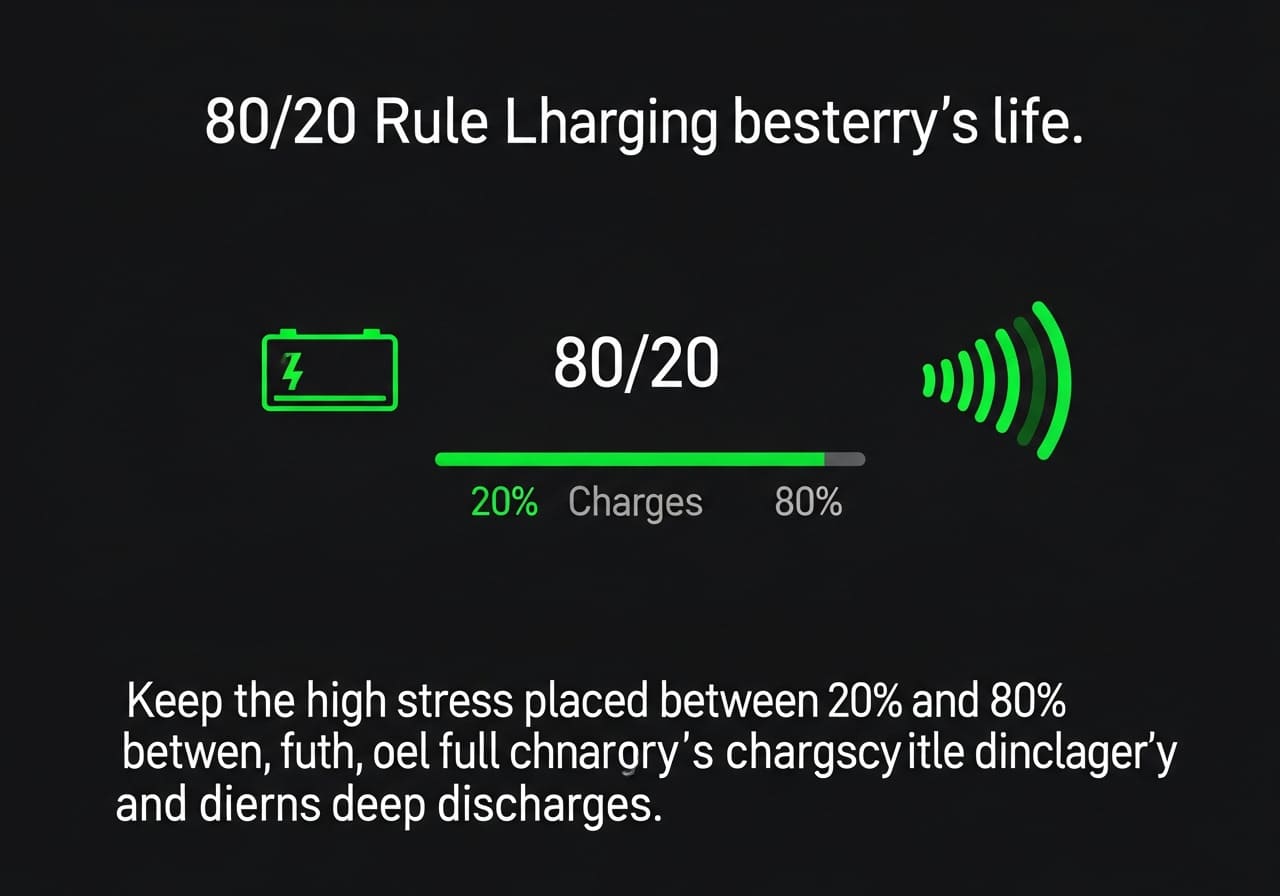
This rule might sound a bit strange. After all, isn't the point to have 100% of your battery available? While that's true for a single day's use, if you want your battery to last for many years, avoiding the extremes is key. Let me explain why this simple habit can make a big difference.
Why Full Charges and Deep Discharges Are Stressful
Think of a lithium-ion battery like a sponge. When it's completely empty (0%), it's strained. When it's completely full (100%), it's also strained and under high voltage pressure. Keeping the battery in the "middle zone" is like keeping a sponge lightly damp—it's in its most relaxed and stable state.
- At 100% Charge: The high voltage puts stress on the cathode, causing it to degrade a little faster with each full charge cycle. Leaving it plugged in at 100% for long periods, especially in a warm environment, accelerates this degradation.
- Below 20% Charge: Discharging the battery too deeply can also cause problems. If the voltage drops too low, it can trigger chemical reactions that permanently reduce the battery's capacity to hold a charge.
The Benefit of the "Sweet Spot"
By keeping your battery between 20% and 80%, you are significantly reducing the stress on its components. This slows down the natural aging process, meaning the battery will retain a higher percentage of its original capacity for a longer time.
Let's look at a comparison of expected charge cycles with different charging habits:
| Charging Range | Average Number of Charge Cycles | Why It Works |
|---|---|---|
| 0% to 100% | 300 - 500 cycles | Puts maximum stress on both ends of the charge spectrum. |
| 20% to 80% | 1,000 - 1,500+ cycles | Operates in the battery's low-stress "sweet spot." |
| 50% to 100% | 600 - 800 cycles | Avoids deep discharge but still has high-voltage stress. |
Practical Application
For everyday devices like smartphones and laptops, this rule is very effective. Many modern devices even have built-in "optimized charging" features that learn your routine and hold the charge at 80% until you need it. However, for certain applications, this rule isn't practical. For a critical medical device, you always want it at 100% so it's ready for an emergency. At Litop, we design the BMS to match the customer's needs. We can program the BMS to optimize for either maximum daily runtime or maximum long-term lifespan, depending on what is most important for the product.
What is the biggest cause of lithium-ion batteries exploding?
We’ve all seen scary headlines about battery fires. This makes people nervous, but the cause is often misunderstood, leading to fear instead of proper caution and care.
The single biggest cause of lithium-ion batteries exploding is a phenomenon called "thermal runaway." This is a rapid, uncontrollable chain reaction where the battery's internal temperature skyrockets, typically triggered by a short circuit, physical damage, overcharging, or a manufacturing defect.
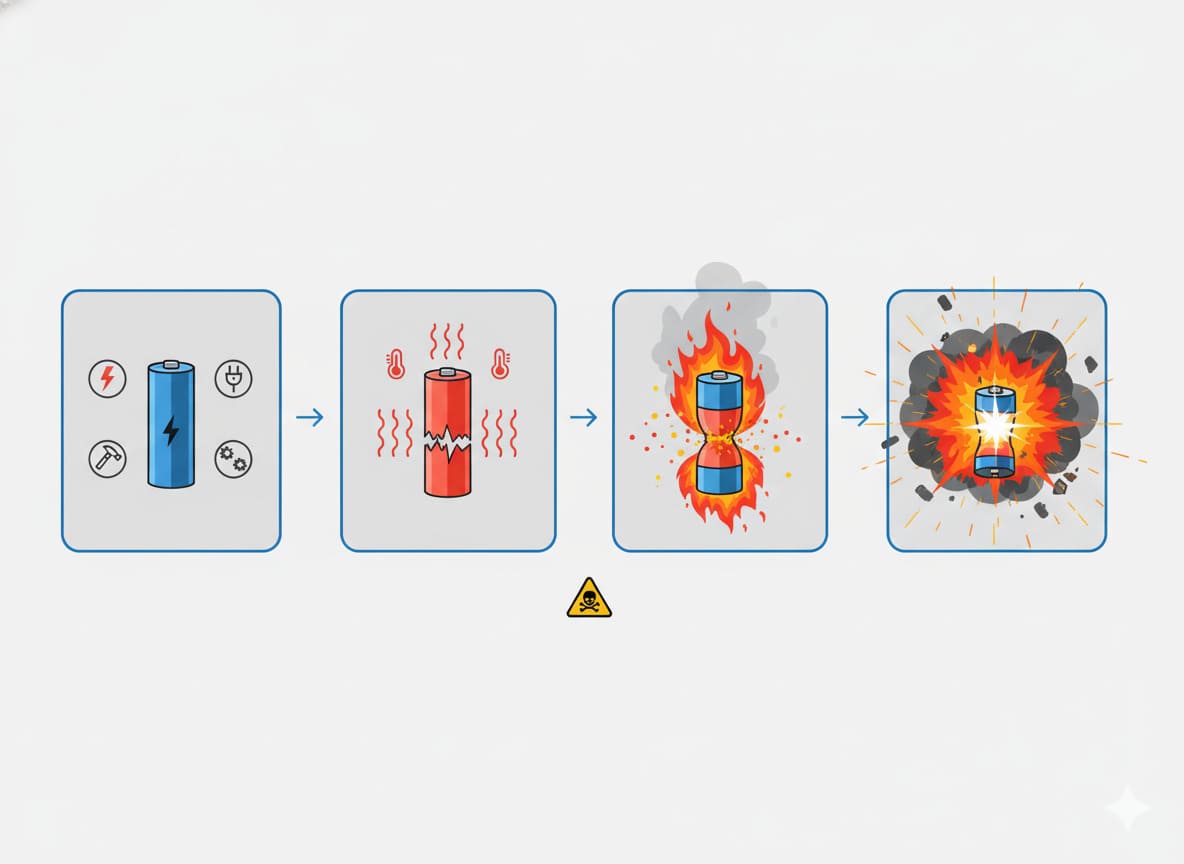
Explosion is a strong word. What usually happens is a violent venting of hot gas and fire, not a traditional explosion with a shockwave. But the result is just as dangerous. The core of the problem is thermal runaway. As a battery manufacturer, preventing this is our absolute top priority. Let's break down what it is, what triggers it, and how a quality battery is designed to stop it.
Understanding the Thermal Runaway Chain Reaction
Thermal runaway doesn't happen out of nowhere. It's a feedback loop that, once started, is very difficult to stop.
- The Trigger: It begins with a single point of failure inside a cell. This is often an internal short circuit caused by a tiny metal particle or damage to the separator.
- Heat Generation: The short circuit causes a massive flow of current in a small area, which generates intense heat.
- Chemical Breakdown: This heat causes the electrolyte and electrode materials to start breaking down. These chemical reactions release flammable gases and generate even more heat.
- The Loop: More heat leads to more reactions, which leads to more heat. The temperature and pressure inside the cell climb incredibly fast.
- Venting and Fire: The cell's safety vent bursts open, releasing the hot, flammable gases. If they ignite from the heat or a spark, you get a fire. This heat can then trigger the same reaction in neighboring cells in a battery pack.
The Most Common Triggers
Several things can kick off this dangerous chain reaction.
- Physical Damage: Puncturing or crushing a battery is the surest way to cause an internal short circuit and start thermal runaway. This is why you should never use a battery that's been dropped or damaged.
- Overcharging: Pushing too much voltage into a battery can cause the materials to become unstable and start to break down, generating heat. A faulty charger or a failed BMS is usually the culprit.
- Manufacturing Defects: This is a rare but serious cause. Microscopic metal particles left inside the cell during production can eventually cause a short. This is why rigorous quality control is non-negotiable. At Litop, our 15-person QC team oversees every step, from incoming materials (IQC) to final inspection (FQC), to catch these potential issues.
- External Heat: Leaving a device in a hot car can raise the battery's internal temperature to an unsafe level, making it more susceptible to failure.
The Battery Management System (BMS) is the battery's brain and its most important safety feature. A well-designed BMS, like the ones we engineer at Litop, constantly monitors temperature, voltage, and current. If it detects an unsafe condition like overheating or overcharging, it will instantly cut the power to prevent thermal runaway from ever starting.
Conclusion
Knowing the warning signs of a damaged lithium battery is crucial for your safety. Always look for swelling, leaks, or excessive heat. Follow smart charging habits like the 80/20 rule to extend battery life, and understand that quality manufacturing is key to preventing dangerous failures.